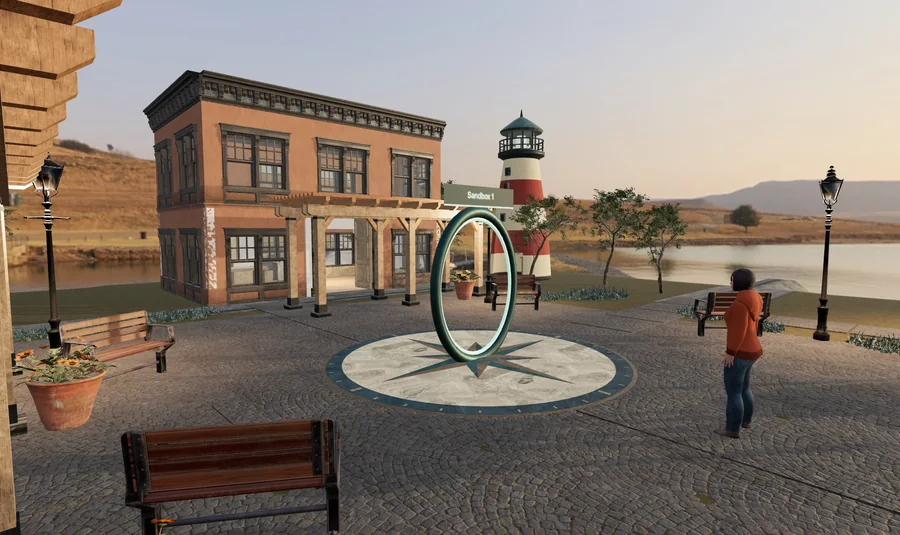
The Commons
Walk the waterfront, meet up on the plaza, and say hello in nearby chat. Start at the compass beside the harbour.
Step into a shared seaside world. Meet the neighbours, build something together, or find a quiet spot by the water.
Request a beta invite Already invited? Log in to your account.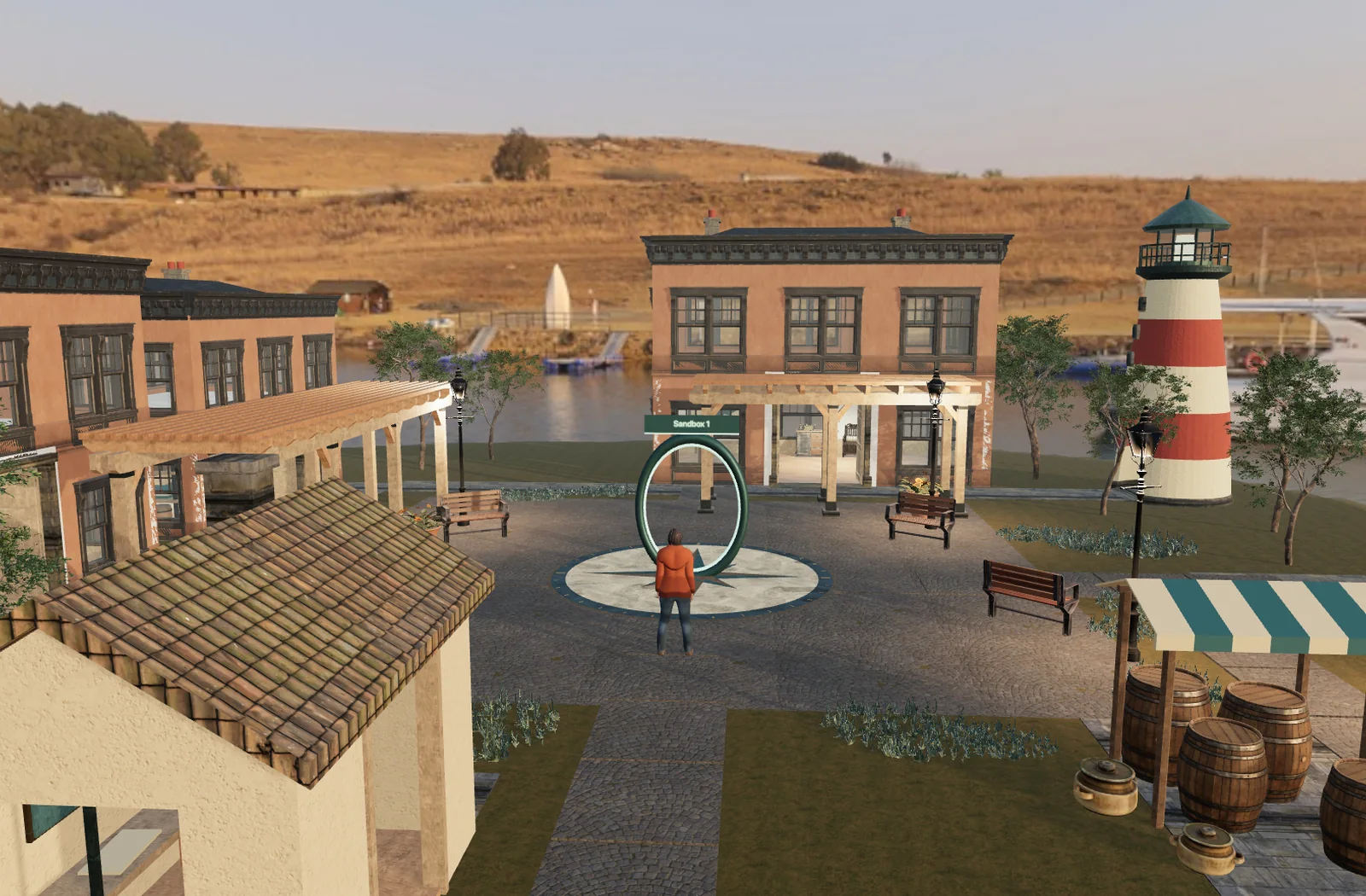
Walk the waterfront, meet up on the plaza, and say hello in nearby chat. Start at the compass beside the harbour.
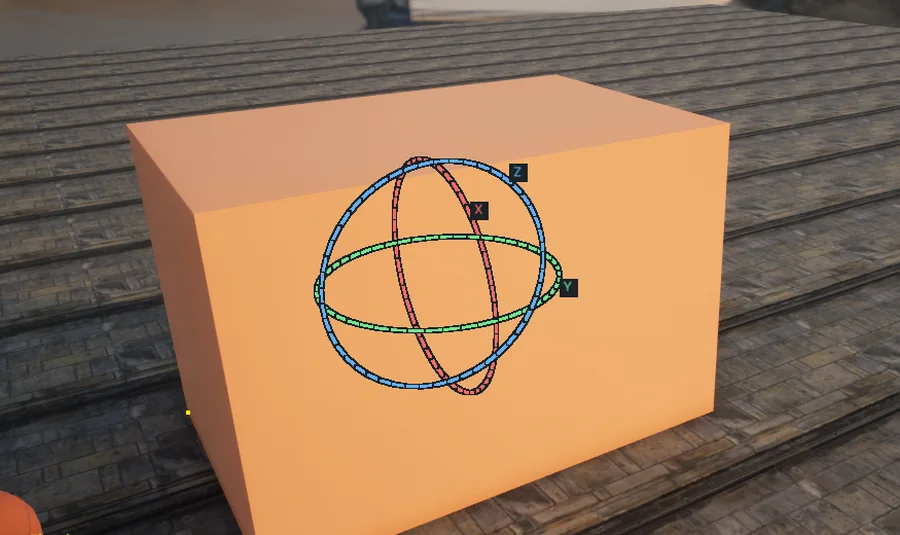
Start with a shape, move it into place, and edit it in the world. Save a copy to your inventory before the five-hour cleanup.
A short guide to finding your way and making a place here.
Request a beta invite with your email address. If your request is approved, open your invitation and set up your password. Returning residents can log in with their existing account.
Open Places → World map, select a region, and choose Visit. In the Commons, the portal on the plaza compass takes you to Sandbox 1. The sandbox has a return portal.
Yes. Sign in, open Places → World map, and choose an available square. Start with flat land or a harbour layout, then choose private or public access. Your dashboard lists the regions your avatars own.
Open Chat to talk in the room, send a direct message, or start a conversation with several people. Create a private channel for an ongoing group, then use sections to organise your conversations.
Open Inventory for the active avatar’s folders. The Library contains starter outfits, landmarks, and objects from the Commons. Copy an item into your inventory to use it again. You can place objects where you have building permission.
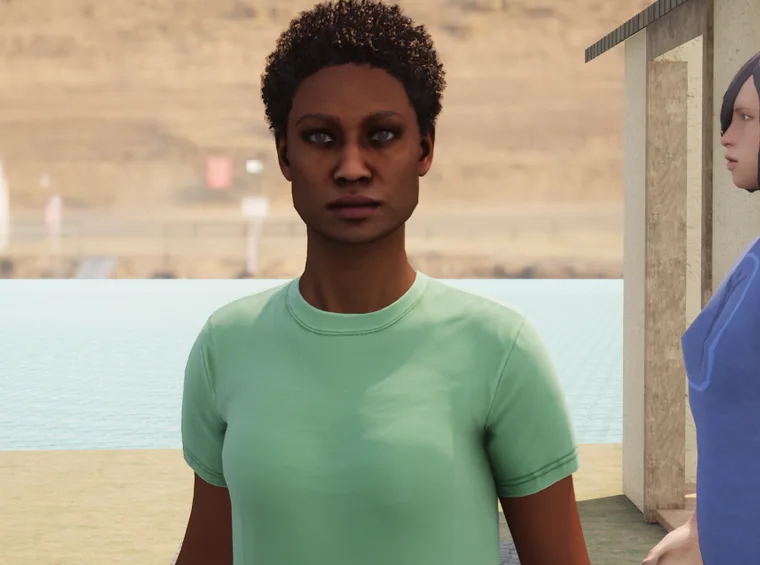
Give each avatar its own look and inventory. Use your resident account to manage your sign-in details.
Log in to your accountWe’re inviting residents in small groups. Leave your email to request a place.